How to Use a Tablet Etsy Listings Mockup for Smarter Creative Decisions
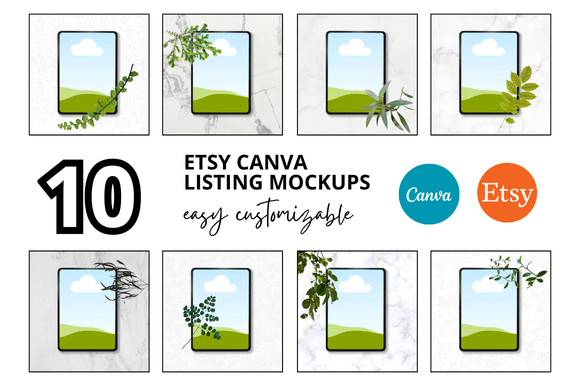
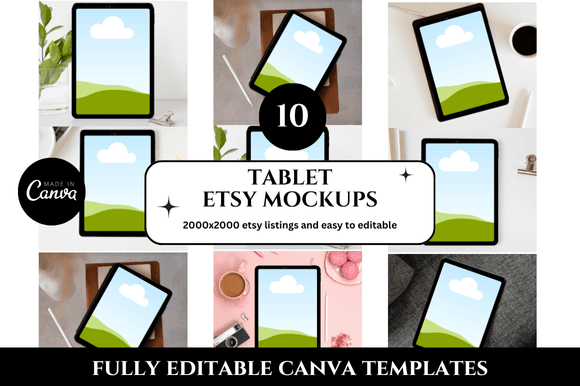
If you sell on Etsy or manage product listings for a creative brand, you already know how much the visual presentation of your work matters. A Tablet Etsy Listings Mockup is a pre-designed template that displays your product images, shop branding, or digital artwork on a tablet screen within a lifestyle setting. It simulates how a customer might browse your shop on a tablet, giving you a polished, contextual preview of your listings. While this might sound like a simple design asset, its strategic use reaches far beyond aesthetics. It can shape how you plan product launches, refine your brand voice, communicate with customers, and even streamline your operations.
The value of a Tablet Etsy Listings Mockup lies not in the mockup itself but in how you integrate it into your workflow. Used thoughtfully, it becomes a decision-support tool rather than just a decoration. It helps you see your shop through the eyes of your buyer, test visual hierarchies, and align your creative output with your business goals. This article explores how to approach mockups with intention, when they serve your objectives, and what to watch out for when relying on them.
Why a Tablet Etsy Listings Mockup Matters for Strategic Positioning
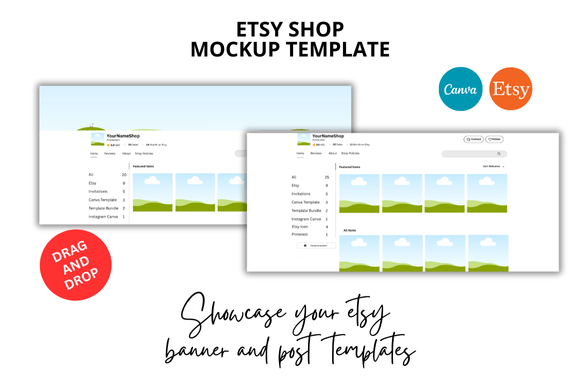
Most sellers focus on individual product photos. They optimise lighting, angles, and backgrounds. But a Tablet Etsy Listings Mockup shifts the perspective. Instead of looking at one item in isolation, you see how your entire listing page might appear on a device that many shoppers use daily. This broader view helps you assess whether your visual story is coherent. Are your thumbnails consistent? Does your branding feel unified across multiple listings? Does your shop communicate professionalism at a glance?
These questions are central to positioning. If you sell digital planners, printables, or educational content, a tablet mockup is especially useful because it mirrors the actual user experience. Your customer will likely view your product on a similar device, so showing it in that context builds trust. For physical product sellers, a tablet mockup can serve as a supplementary visual that reinforces your brand story, perhaps showing a styling guide, a tutorial, or a lookbook displayed on a tablet within your product photography.
Positioning is not just about looking good. It is about making a promise to your customer. A well-executed mockup signals that you understand how your product fits into their life. It communicates attention to detail and a willingness to invest in their experience. That perception alone can influence purchasing decisions, especially in categories where buyers compare multiple shops before committing.
Using Mockups to Support Goals and Planning
Before you open a mockup template, clarify what you want it to achieve. Without a goal, a mockup is just a pretty image. With a goal, it becomes a tool for planning. For example, you might use a Tablet Etsy Listings Mockup to:
- Test a new brand direction: Place your updated logo, colour palette, or typography inside the mockup and see how it feels in a realistic browsing context. This is a low-risk way to evaluate a rebrand before updating your entire shop.
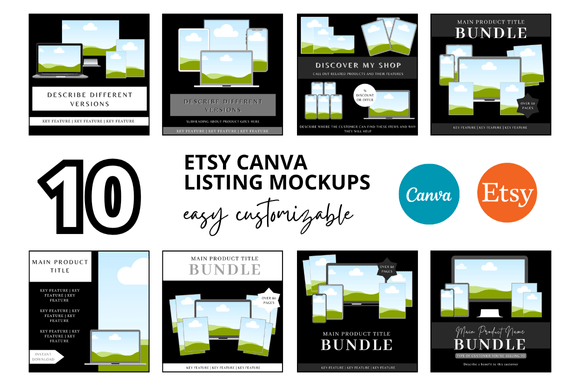
- Plan a product launch sequence: Create mockups for three to five listings at once and arrange them side by side. This helps you assess visual consistency and identify gaps in your product line.
- Prepare social media content: A mockup can double as a promotional image for Instagram, Pinterest, or your email newsletter. It saves you time because you are creating assets that serve multiple channels.
- Communicate with collaborators: If you work with a virtual assistant, a copywriter, or a photographer, a mockup gives them a clear visual reference for the tone and style you want to achieve.
Planning with mockups also reduces costly mistakes. It is easier to adjust a template than to reshoot product photography or redesign a listing after it has gone live. By testing your visual decisions early, you avoid the friction of last-minute changes and keep your launch timeline on track.
When to Use a Tablet Etsy Listings Mockup in Your Workflow
Timing matters. A mockup is most effective when used at specific points in your creative process, not as an afterthought. Consider these scenarios:
- During the concept phase: When you are brainstorming a new product or collection, create a quick mockup to visualise how it might look on Etsy. This helps you decide whether the idea has enough visual appeal to pursue.
- Before writing listing copy: Seeing your product in a mockup can influence how you describe it. You might notice a detail that deserves emphasis in your title or bullet points, or realise that the context calls for a different tone.
- When reviewing your shop as a whole: Set aside time each quarter to mock up your top listings and evaluate them together. This audit reveals trends in your visual branding and highlights listings that feel out of place.
- After a major update: If Etsy changes its search layout, mobile display, or listing features, a mockup helps you understand how your shop now appears to buyers. This keeps your strategy current.
Using mockups at these junctures transforms them from decorative extras into operational tools. They become part of your review cycle, not just a one-time design task.
Practical Examples of Intentional Mockup Use
Let me share a few grounded examples. A creator selling digital habit trackers might use a Tablet Etsy Listings Mockup to show the tracker open on a tablet with a stylus nearby. In that single image, the buyer sees the product in use, understands its scale, and imagines themselves interacting with it. This is far more persuasive than a flat screenshot or a generic icon.
A small business owner selling printable wall art could use a tablet mockup to display a gallery view of multiple prints arranged in a room. The tablet acts as a digital frame, showing how the art might look in a real space. This approach adds depth to the listing without requiring an elaborate photoshoot.
An educator selling online courses or workshops might use a mockup to feature a preview of their lesson slides or workbook pages on a tablet screen. This communicates the learning experience before the buyer even clicks purchase. It reduces uncertainty and increases perceived value.
In each case, the mockup serves a specific purpose: demonstration, contextualisation, or preview. It is not just filling space on the listing page. It is answering a question the buyer has in their mind.
Strategic Observations for Long-Term Results
Over time, consistent use of Tablet Etsy Listings Mockups can strengthen your brand recognition. When buyers see a similar visual style across your listings, they begin to associate that style with quality and reliability. This is not about uniformity for its own sake. It is about creating a visual language that makes your shop instantly identifiable.
Mockups also support customer experience in subtle ways. A buyer who sees a product displayed in a realistic context is less likely to be surprised by the actual product. This alignment between expectation and reality reduces returns, negative reviews, and customer service inquiries. It also builds trust, which is a long-term asset for any shop.
From an operational perspective, mockups can save time in content creation. Instead of designing unique visuals for every platform, you can repurpose a single mockup across your Etsy listing, your Instagram feed, your Pinterest board, and your email campaign. This consistency reduces cognitive load for your audience and simplifies your own workflow.
What to Consider Before Relying on a Mockup
Despite their usefulness, mockups carry risks if used without context. The most common mistake is choosing a mockup that does not match the actual user experience. If your product is a digital file meant to be printed, showing it only on a tablet can mislead buyers. They might assume the product is interactive or device-specific when it is not.
Another risk is over-relying on mockups to compensate for weak product photography or unclear copy. A mockup cannot fix a listing that lacks substance. It can enhance a good listing, but it cannot rescue a bad one. If your product description is vague, your pricing is unclear, or your return policy is buried, no amount of visual polish will create lasting customer satisfaction.
There is also the risk of visual fatigue. If every listing uses the same mockup angle and styling, your shop can start to feel repetitive rather than cohesive. Variety within your visual framework keeps your shop dynamic while still maintaining brand consistency.
Finally, consider your audience's device habits. If your target customers predominantly shop on mobile phones, a tablet mockup may not reflect their actual experience. In that case, you might want to supplement your mockup with mobile-specific visuals or at least acknowledge the difference in your listing context.
How to Approach Tablet Etsy Listings Mockups Intentionally
To use mockups well, treat them as part of your broader strategy rather than a standalone tactic. Start by defining the purpose of each mockup. Ask yourself: What do I want the buyer to understand after seeing this image? The answer might be about product features, brand tone, usage context, or quality cues. Let that answer guide your mockup selection and styling.
Next, choose mockups that align with your brand aesthetic. A minimalist shop should use clean, uncluttered mockups. A colourful, playful brand can afford more vibrant and layered settings. The mockup should feel like an extension of your brand, not a generic template you found online.
Also, think about hierarchy. In a listing, the first image is the most important. Use your tablet mockup strategically, either as the primary image or as a supporting image that adds depth. Do not bury it in the last position where most buyers never scroll to see it.
Finally, review your mockups regularly. As your brand evolves, the mockups you used six months ago may no longer fit. Keep your visual assets current so they continue to serve your goals rather than undermine them.
Making Better Decisions with Mockups
A thoughtful approach to Tablet Etsy Listings Mockups helps you make decisions that are grounded in reality rather than guesswork. Instead of wondering how a listing might look to a buyer, you can see it. Instead of hoping your branding is consistent, you can verify it. Instead of creating content in isolation, you can design with context.
This does not require expensive software or design skills. Many mockup templates are affordable and easy to use, even for beginners. What matters is not the complexity of the tool but the clarity of your intention. When you know why you are using a mockup and what you want it to achieve, the results will reflect that focus.
For entrepreneurs, marketers, creators, and small business owners, every listing decision is a chance to build trust, communicate value, and move closer to your goals. A Tablet Etsy Listings Mockup is one of many tools that can support that process. Used wisely, it helps you see your shop the way your customers do, and that perspective is worth more than any template alone.