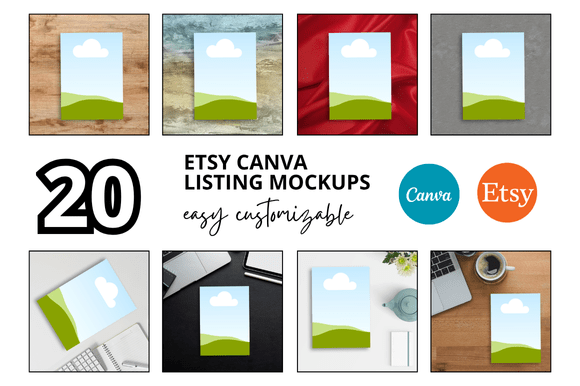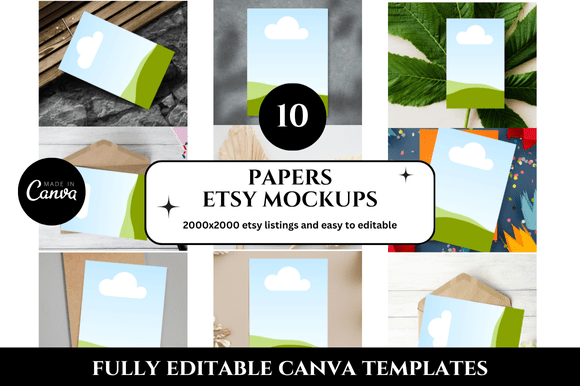
Creative Planner Photo Etsy Mockups
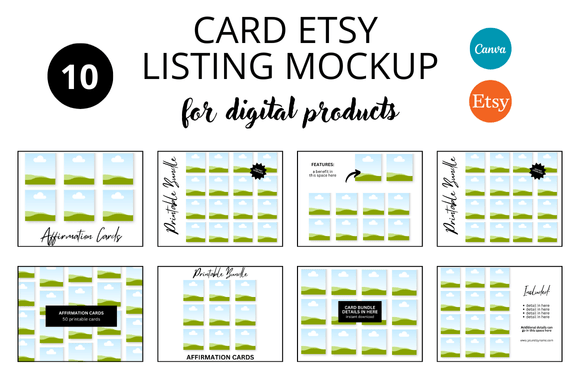
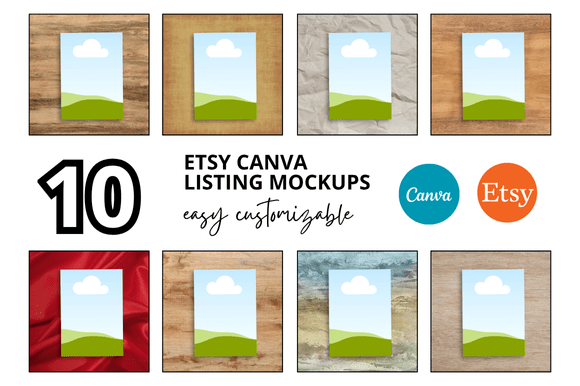
If you sell planners on Etsy, you know the challenge of making each listing photo pop without spending hours on staging. A 10 Planner Photo Etsy Listings Mockup set offers a streamlined solution: ten pre-designed scenes that let you drop in your planner images and present them with professional consistency. These mockups save time, elevate your brand, and help buyers imagine how your product fits into their daily life. Whether you are a seasoned seller or just starting out, understanding how to use and adapt these templates can transform your shop’s visual appeal.
Why Mockups Matter for Etsy Success
First impressions on Etsy happen in a split second. Shoppers scroll through search results and decide whether to click based on thumbnail quality. A cohesive set of listing photos signals reliability and care. With a mockup set, you bypass the guesswork of lighting, composition, and props. Instead, you focus on what matters: showcasing your planner’s unique features.
Mockups also reinforce brand identity. When every listing uses similar backgrounds, angles, and styling, your shop feels curated. This consistency builds trust and encourages repeat visits. For planners—a product that thrives on organization—a tidy, coherent photo set mirrors the value you offer.
Exploring Creative Uses for Your Mockup Set
The versatility of a ten-image mockup set goes beyond simple product shots. Each template can serve a different purpose, helping you tell a more complete story about your planner.
Social Media Teasers
Use mockups to create countdowns or sneak peeks before launching a new planner. For example, take one mockup with a clean desktop scene and overlay text like “Coming soon: Your 2026 Weekly Log.” Post this on Instagram or Pinterest to generate curiosity. Another mockup might show the planner open with a pen resting on the page—perfect for a live launch announcement. By repurposing the same set across platforms, you maintain visual harmony while saving design time.
Product Bundles and Variations
If you offer multiple planner versions (undated, academic year, or minimalist), use different mockups to highlight each variation. One mockup could feature a spiral-bound planner in a café setting, while another shows a hardcover version on a desk with a laptop. This contrast helps buyers quickly spot differences. For bundles—say a planner plus sticker sheets—choose a mockup that includes space for accessories. Drop in images of the stickers next to the open planner to suggest a complete system.
Blog and Pinterest Graphics
Planner mockups double as compelling blog headers or Pinterest pins. Imagine writing an article on “How to Set Up Your Weekly Spread.” Use a mockup showing the planner in use, add a subtle text overlay with the title, and pin it. The visual instantly communicates the topic while promoting your product. Similarly, for email newsletters, a mockup image can link back to your shop, giving subscribers a clear reason to click.
Adapting Mockups for Different Planner Niches
Not every planner audience responds to the same aesthetic. A mockup set gives you a foundation, but you can tailor it to specific niches through small adjustments in color, props, or editing.
Academic planners often appeal to students who appreciate bright, energetic designs. Select mockups with natural light and add digital overlays like washi tape or sticky notes in vibrant hues. For bullet journal enthusiasts, choose mockups that emphasize blank pages or dot grids. Include elements like fine-tip markers or a coffee cup to evoke a creative workflow. Business planners work well with minimalist mockups—clean lines, neutral tones, and subtle shadows. Add a laptop or a clock to signal productivity.
If you target hobbyists (gardening, fitness, or travel planners), adapt the mockup by inserting themed overlays. A travel planner mockup might benefit from a passport, map, or camera placed beside the open spread. You can achieve this using the mockup’s layered structure: swap out the base images in the smart object layers without redesigning the scene.
Practical Tips for Consistent and Clear Results
Even with pre-made mockups, small refinements separate amateur listings from professional ones. Start by adjusting the lighting balance across all ten images. If one mockup feels cooler or warmer than others, correct the white balance so the planner looks true to life. This creates a seamless browsing experience in your shop.
Pay attention to shadows and reflections. Many mockup sets include realistic drop shadows, but you can tweak their opacity or angle if needed. Consistent shadow direction—say from the upper left—unifies the set. For clear results, avoid overcrowding the scene. The planner should remain the focal point. If a mockup includes decorative items, ensure they complement rather than compete with your product.
Maintain organization by naming each mockup file after its intended use (e.g., “thumbnail_vertical” or “lifestyle_desk”). This helps you quickly locate the right template for a new listing. When editing, use the same font and color palette for any text overlays across the set to reinforce brand consistency.
Realistic Examples to Inspire Your Listings
Let’s walk through three scenarios where a mockup set makes a tangible difference.
Scenario One: Minimalist Daily Planner
You have a clean, monochrome daily planner. Use mockup number one (a top-down shot on a white surface) as your main thumbnail. The simplicity matches the product. For a second image, choose mockup three showing the planner held in hands—this adds a human touch without clutter. For the third photo, pick mockup six that includes a smartphone beside the planner, suggesting digital sync. This progression tells a story: from product focus to real use to connected lifestyle.
Scenario Two: Colorful Weekly Spread
Your planner uses bold colors and floral accents. Select mockup two with a wooden desk and a vase of flowers. The natural elements echo the floral theme. For the lifestyle shot, mockup five shows the planner on a sunny windowsill. The lighting makes the colors pop. Avoid using mockup eight, which has a dark background—it might mute your vibrant design. Instead, reserve that one for a “coming soon” teaser where contrast works in your favor.
Scenario Three: Goal Planner for Entrepreneurs
Here, mockup nine with a leather desk mat and a cup of coffee fits perfectly. Crop it tightly for the thumbnail. Use mockup ten for a second shot showing the planner open to a goal-setting page, with a to-do list visible. Add a subtle text box over mockup four to highlight “Track your milestones.” This combination appeals to ambitious buyers looking for structure.
Keeping Your Etsy Shop Organized with Mockups
Beyond individual listings, a mockup set helps you maintain a cohesive shop aesthetic. Batch-create images for multiple planners in one session. Open each mockup, drop in your planner image, adjust colors, and export. By using the same mockup series for all your products, your shop grid becomes visually harmonious. Shoppers scrolling through your shop see a unified brand, which reduces cognitive load and keeps them browsing longer.
If you plan to offer prints or digital planners later, the same mockup set can adapt. For digital planners, crop the mockup to focus on the screen or tablet showing the file. This cross-use saves money and time, letting you scale your visual content without starting from scratch.
Remember to update your mockups occasionally. As trends shift—maybe from flat lay to angled shots—refresh your set. Many mockup designers release updates or add new scenes. Staying current shows your shop is active and attentive to buyer preferences.
Exploring Adaptations for Different Platforms
Beyond Etsy, your mockup images can work on multiple channels with minor tweaks. For Etsy listings, the main photo should be bright and clear at thumbnail size. Reserve close-up or detail shots for the second or third images. For Pinterest, use a vertical mockup (e.g., mockup seven) with a tall aspect ratio. Add a text overlay with a compelling title like “10 Ways to Use Your Weekly Planner.” For Instagram, a square crop of a lifestyle mockup performs well in feeds and stories.
If you sell on other marketplaces like Amazon Handmade or your own website, the same mockup set gives you consistent branding across platforms. This cross-platform unity strengthens brand recognition. Consider creating a style guide that specifies which mockup serves as your primary image, which as secondary, and so on. This removes guesswork when you or a team member prepares new listings.
Balancing Originality with Efficiency
While mockups provide a template, you can still inject originality. Swap the background colors in the mockup’s smart object to match your brand palette. Add a subtle texture overlay to create a signature look. If the mockup includes generic props, replace them with your own branded items—like a custom pen or a notebook with your logo. These small touches make the scene feel uniquely yours without reinventing the photo process.
Efficiency comes from repetition. Once you set up one mockup to your preferences, apply the same adjustments to the rest. Use actions or presets in photo editing software to batch-process lighting corrections. This way, you spend more time on content creation—designing new planners—and less on photo production.
Audience-friendly results depend on clarity. Test your mockup images on a small screen (like a phone) to ensure text and details are visible. If a mockup looks cluttered at thumbnail size, simplify it. Remove unnecessary elements or increase the planner’s scale within the frame. Always prioritize the buyer’s ability to see exactly what they will receive.
Final Thoughts on Using Planner Mockups
A 10 Planner Photo Etsy Listings Mockup set is more than a time-saver—it is a creative foundation. By exploring different angles, props, and niches, you tell a richer story about your planners. Whether you are targeting students, professionals, or hobbyists, these templates help you communicate value quickly. Experiment with combinations, but keep your core brand visible. With thoughtful adaptation and consistent execution, your shop will stand out as organized, professional, and inviting—exactly what planner buyers are looking for.