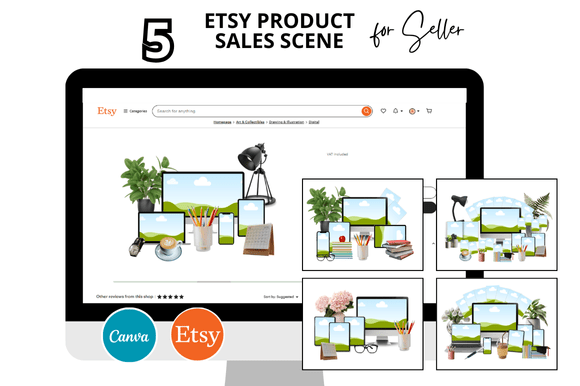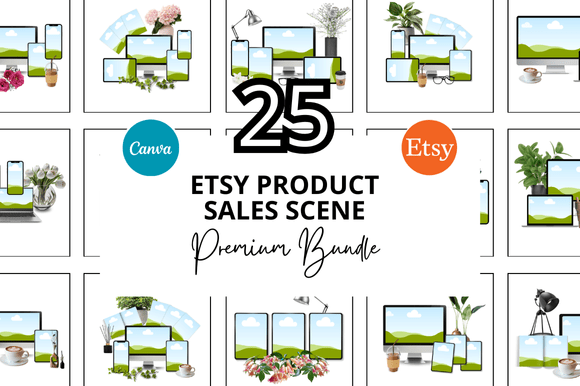
25 Etsy Product Sale Scene Bundle Ideas for Creators
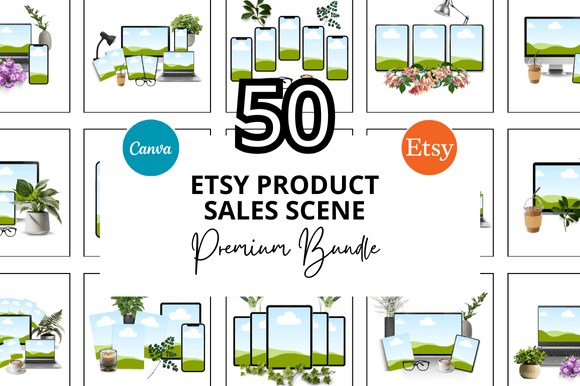
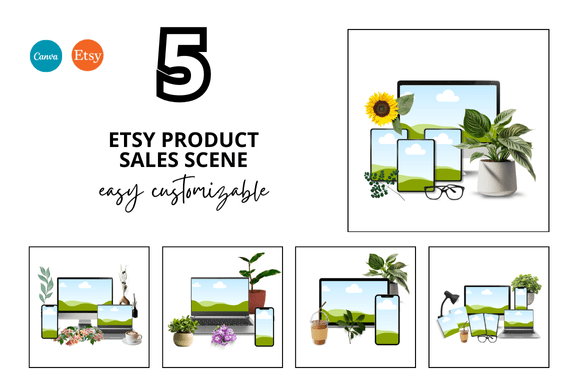
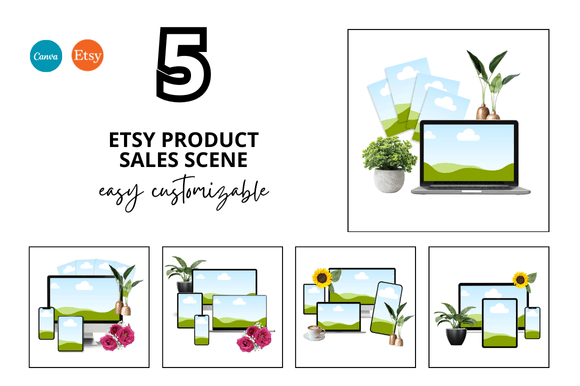
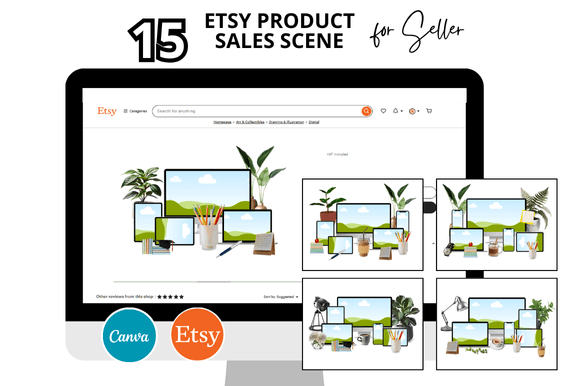
If you sell digital products, printables, or small-batch goods on Etsy, you know that visuals can make or break a listing. The 25 Etsy Product Sale Scene Bundle is a curated set of mockup or scene templates designed to help sellers present their products in a lifestyle setting without staging a photoshoot each time. Instead of plain white backgrounds or repetitive flat lays, this bundle gives you ready-to-use scenes that add context, mood, and professionalism to your shop. But beyond the obvious benefit of better listing photos, there are many ways to adapt these scenes for different goals, platforms, and audiences. Let's explore what this bundle really offers and how you can use it to elevate your creative business.
What Makes a Scene Bundle Useful for Etsy Sellers
A product sale scene bundle typically includes multiple digital backgrounds, props, or layered compositions where you can insert your own product images. Think of them as blank stages. They might include a cozy desk setup for stationery, a kitchen counter for food-related items, a nursery corner for baby goods, or a minimalist shelf for home decor. The value lies in consistency and time savings. Instead of hunting for a different background for each listing, you have a cohesive set that makes your shop look unified and curated.
For sellers who juggle multiple product categories, a bundle with 25 scenes offers enough variety to avoid repetition while maintaining a consistent aesthetic. You can match scenes to seasons, promotions, or brand colors without starting from scratch. The utility goes beyond just Etsy listings—these scenes work equally well on social media, in email newsletters, and on your own website.
Creative Applications Beyond the Listing Photo
Most sellers think of scene bundles only for the main product image, but that underuses their potential. Here are some practical ways to stretch the bundle further.
Building a Cohesive Shop Aesthetic
When a buyer scrolls through your Etsy shop, they subconsciously register visual harmony. Using scenes from the same bundle across all your listings creates a visual thread that ties your shop together. Even if your products differ widely—say, art prints on one end and digital planners on the other—a consistent scene style helps your shop feel intentional and professional. To achieve this, choose scenes with similar lighting, color tones, or texture themes. For example, warm wood tones and soft neutral fabrics can anchor both handmade jewelry and printable wall art.
Seasonal and Promotional Campaigns
With 25 scenes, you can dedicate a subset to seasonal promotions without redesigning your entire visual strategy. Select four or five scenes that suggest a holiday mood—maybe a winter window with soft snow, a summer picnic blanket, or a fall harvest table. Swap in these scenes during relevant months to signal timeliness to buyers. This works especially well for shops that sell evergreen products but want to stay relevant in search results during peak seasons.
Social Media Content That Converts
Your Instagram, Pinterest, and TikTok feeds don't have to look like a catalog of flat lays. Scene bundles let you create lifestyle shots that feel aspirational but attainable. For instance, if you sell calligraphy worksheets, place one open on a desk next to a coffee mug and a plant—using a scene from the bundle—and caption it with a tip for practicing lettering. The scene does the heavy lifting of setting the mood, so you can focus on the message. For Pinterest, vertical scene compositions tend to perform better, so choose layouts that fit that format. Many bundles already include square and portrait orientations, but check yours and crop strategically.
Email Marketing and Blog Headers
Your email list and blog deserve the same visual quality as your Etsy shop. Use scenes as header images for newsletters, especially when announcing a new product line or sale. They also work as featured images for blog posts where you share tutorials, behind-the-scenes stories, or buyer guides. A consistent visual language across channels builds brand recognition and trust. If you send a weekly newsletter, rotating through different scenes keeps your emails fresh without requiring new photography each time.
Adapting Scenes for Different Product Types
The same scene can look completely different depending on what you place in it. Here's how different sellers might adapt the same bundle.
For Digital Products and Printables
Digital sellers often struggle to convey the real-world value of a PDF or template. A scene bundle solves this by showing the product in use. A meal planner photographed on a kitchen counter with a pen and a cup of tea feels more useful than a screenshot of the spreadsheet. For planners, journals, and checklists, scenes with a desk, a coffee shop table, or a cozy reading nook work well. Insert your product as a screen mockup or printed mockup depending on the format. If your bundle includes devices like a tablet or laptop overlay, that's a bonus for app or dashboard templates.
For Physical Handmade Goods
If you sell candles, soaps, ceramics, or textiles, scenes that show the product in a home environment help buyers imagine it in their own space. A candle on a rustic wooden shelf feels cozy. A soap set on a bathroom counter with folded towels creates a spa vibe. Use scenes that have enough negative space to let your product stand out, but enough context to feel lived in. Avoid cluttered scenes that compete with your product. The best scenes have a clear focal area with subtle backgrounds that don't distract.
For Jewelry and Accessories
Small items like earrings or rings need close-up scenes that don't overwhelm the product. Look for scenes with macro-style compositions or those that include a prop like a velvet cloth, a stone surface, or a simple dish. The bundle might have scenes specifically designed for accessories with centered focal points. Pair these with natural light tones to keep the metal and gemstone details visible. If your bundle includes multiple angles, use both the close-up and the wider lifestyle shot to give buyers a complete view.
For Home Decor and Wall Art
Wall art sellers benefit from scenes that show a framed print on a gallery wall, above a sofa, or in a room corner. These scenes help buyers visualize scale and placement. Some bundles include scenes with empty frames or wall sections where you can layer your design. Others offer a full room setting with furniture and decor. Choose whichever matches your brand style. If your shop leans modern, pick scenes with clean lines and minimal furniture. If you cater to bohemian tastes, look for scenes with plants, textured throws, and warm lighting.
Keeping Your Visuals Effective and Audience-Friendly
Having 25 scenes at your disposal is helpful only if you use them thoughtfully. Here are a few habits that keep your results clear and professional.
- Stick to a color palette. Even if the scenes vary, try to select ones that share a common color temperature or accent hue. This creates a cohesive shop without every photo looking identical.
- Maintain consistent lighting. If some scenes look like bright morning and others feel like evening lamp light, the contrast can confuse buyers. Group scenes by lighting type and use them in separate sections of your shop or separate seasons.
- Keep the product prominent. No matter how beautiful the scene is, your product should be the first thing someone notices. Avoid scenes where the background details are busier or brighter than your item.
- Use original angles. If the bundle provides a set composition, consider flipping or rotating the image for variety, as long as the lighting stays natural. This keeps your feed from looking like everyone else who bought the same bundle.
- Add a human touch. Even without a model, a hand holding the product, a pet in the corner, or a half-drunk cup of coffee can make the scene feel authentic. If your bundle allows for it, layer in small real-life elements that match your brand personality.
Practical Workflow Tips for Busy Sellers
Time is often the scarcest resource for small business owners. Here's how to integrate these scenes without adding hours to your workload.
- Batch your scene selections. Set aside one hour to go through all 25 scenes and tag them by category: desk, kitchen, living room, outdoor, etc. This way when you list a new product, you know exactly where to look.
- Create templates in your editing software. If your bundle comes as layered files, save a base template with your watermark, branding colors, and preferred text placement. Then for each new product, you only need to swap the product image.
- Repurpose for multiple platforms. Once you have a polished image for Etsy, resize it for Pinterest, Instagram, and your website in one editing session. A square crop for Instagram and a vertical crop for Pinterest can all derive from the same scene.
- Keep a style sheet. Note which scenes you've used for which products to avoid repeating the same background for similar items too often. Variation keeps your shop looking fresh even if you have hundreds of listings.
Finding the Right Balance Between Inspiration and Consistency
The 25 Etsy Product Sale Scene Bundle is more than a shortcut to better product photos. It is a creative toolkit that, when used with intention, can shape how buyers perceive your entire shop. The key is to treat each scene as a starting point rather than a final solution. Adjust the colors, add your own props, crop in unexpected ways, and combine elements from different scenes if your bundle allows. Your shop's voice and your audience's preferences should guide every choice.
Whether you are a seasoned seller with hundreds of listings or a newcomer launching your first five products, these scenes can help you present your work in a way that feels both aspirational and authentic. The best part is that you don't need a photography studio or a design degree to get professional results. With a little experimentation and a clear sense of your brand, the 25 scenes become a reliable resource that grows with your business.