How a Clipart Etsy Listings Mockup Can Save You Time and Boost Sales
You've designed a beautiful set of digital clipart. The illustrations are crisp, the colors pop, and you know someone out there needs them for a planner, a classroom worksheet, or a wedding invitation. But when you upload the files to Etsy, you stare at the blank listing form. What do you show in the main image? A flat PNG of each icon? A collage of a dozen tiny drawings? That approach might work, but it rarely makes shoppers stop scrolling.
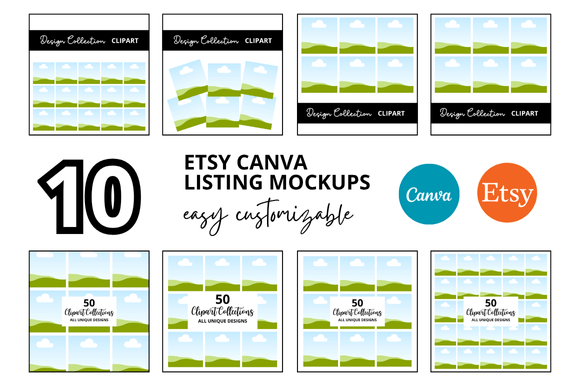
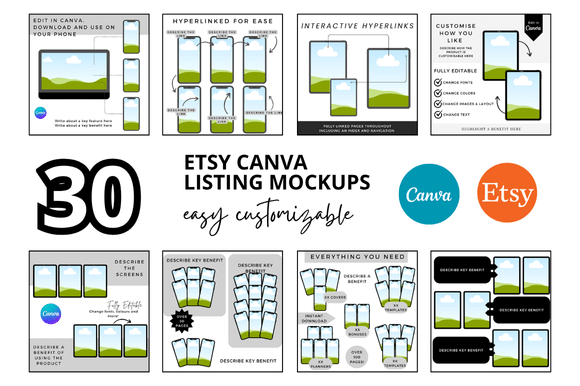
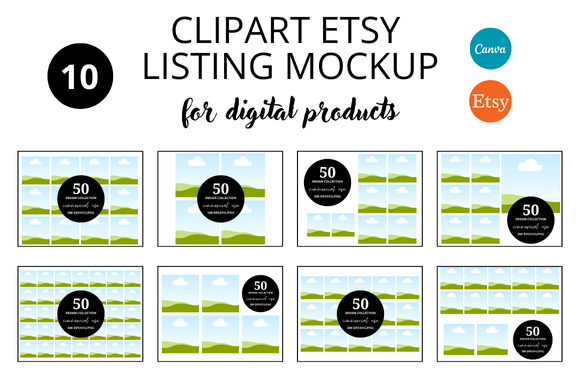
This is where a Clipart Etsy Listings Mockup steps in. Think of it as a visual translator. It takes your raw digital files and places them into a realistic setting—a printable sheet, a digital planner page, a card design, or even a mock storefront. Instead of just seeing clipart, potential buyers see the finished product they could create. And that shift in perspective often leads to more clicks, longer page views, and better sales.
What Is a Clipart Etsy Listings Mockup?
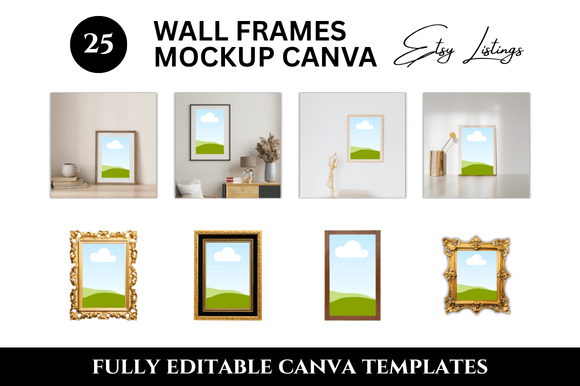
A clipart Etsy listings mockup is a pre-designed template or scene where you insert your clipart graphics. It might be a layered Photoshop or Canva file showing your clipart applied on an opened notebook, a framed print hanging on a wall, or a set of stickers peel-off sheet. It can also be a simple scene with a clean background, your clipart arranged neatly, and perhaps some minimal props like washi tape, scissors, or a tablet. The goal is to help customers imagine how they would actually use the clipart once they download it.
These mockups are not the clipart itself. They are the packaging. And on Etsy, where visuals are the main way you communicate value, good packaging matters as much as the product inside.
Where and When People Use Clipart Mockups
Mockups are not reserved for professional graphic designers. They are used by a wide range of people. Let's explore realistic scenarios across different audiences.
For Sellers Launching a New Clipart Set
Picture a small business owner who sells digital cut files for papercrafters. She has just designed a set of watercolor flowers. Instead of uploading a plain grid of flowers, she uses a mockup that shows the flowers arranged on a greeting card design, with a blank space for text. That single image tells a story: "Use these flowers to make your own cards." Shoppers who craft homemade cards immediately see the possibility. The seller benefits from higher conversion rates without needing to stage a physical photo shoot.
For Educators Creating Classroom Materials
A teacher-blogger might create clipart sets for TPT (Teachers Pay Teachers) and also list them on Etsy. But teachers want to see how the clipart looks in an actual worksheet. A mockup showing the clipart inside a labeled diagram, on a task card, or at the header of a reading passage reassures buyers that the graphics are high-quality and appropriate for their students. The mockup can be used as the listing cover photo and also inside the listing gallery to show scale and spacing.
For Hobbyists Building a Side Income
Freelancers and hobbyists often start selling clipart on Etsy with limited design experience. A mockup template helps them present their work professionally even if they don't have a fancy camera or styling skills. For instance, a person who draws digital kawaii food icons can use a mockup that places the icons on a sticker sheet layout. The mockup does the heavy lifting of composition. The result looks polished and shopper-friendly. This levels the playing field.
For Marketers and Bloggers Building an Audience
Even if you are not selling clipart directly, you might be a digital content creator offering free or paid clipart sets to your email subscribers. A mockup image of that clipart used in a social media graphic or a blog post can increase engagement. When you show the clipart in use—say, a set of retro frames displayed on a Pinterest pin—people are more likely to pin or share. The mockup acts as a visual testimonial of what the clipart can do.
Realistic Benefits of Using a Mockup for Your Listings
The advantages go beyond looking pretty. Here are practical outcomes that various users have reported.
- Faster first impression: On Etsy, a shopper decides within seconds whether to click. A mockup conveys the product's purpose immediately. A plain icon grid makes the buyer guess what it is.
- Fewer refunds and confusion: When customers clearly see how the clipart is meant to be used (e.g., a digital download for personal use only, not a physical product), there is less chance of misunderstandings. The mockup sets expectations.
- Higher perceived value: A mockup with a clean, modern style elevates the clipart. Even simple black-and-white doodles can look desirable when placed in a styled scene with a neutral background and subtle shadow.
- Better A+ content for external traffic: If you promote your Etsy listings on Instagram, Pinterest, or your blog, a mockup image stands out in feeds. A flat clipart file often looks like a screenshot, but a mockup looks like a product.
What to Consider Before Buying or Making a Mockup
Before you jump into creating or purchasing a clipart Etsy listings mockup, think about your specific situation. The mockup should match your workflow, your audience, and your style.
File Format Compatibility
If you use Canva for listing images, look for mockup templates that come in Canva format with editable layers. If you work in Photoshop or Procreate, check if the mockup supports smart objects so you can replace the clipart with a single click. Some mockups are Layered PSD, others are simple PNG scenes where you overlay your art manually. Choose one that fits your skill level.
Style Consistency
Your mockup should reflect your brand and the clipart's intended use. A rustic, vintage mockup works well for farmhouse-style clipart sets, but would clash with a modern geometric icon set. Some sellers create one consistent mockup for all their listings, which helps build a recognizable store aesthetic. Others change mockups per collection to match the theme. Both approaches work, but the key is coherence—not random scenes that confuse shoppers.
Licensing for Commercial Use
If you are buying a mockup template from a designer, read the license carefully. Some mockups are for personal use only, meaning you cannot use them in your product images for Etsy sales. Others allow commercial use, sometimes with restrictions on redistribution. You want a mockup that you can use in your product listings without violating terms. Always verify before purchasing.
Time vs. Cost
Premium mockups can cost from a few dollars to $20 or more per template. That might sound expensive for a digital file, but compare it to the time you would spend staging a physical photo or hiring a photographer. A $10 mockup that helps increase your conversion rate even a little can pay for itself in one or two sales. For new sellers, a multi-scene mockup pack (multiple angles, like a flat lay, a show with a laptop, and an isolated version) is a solid investment.
Practical Tips for Using Your Mockup Effectively
- use the mockup as your primary listing image. Etsy algorithm rewards clear, relevant covers. Use your best mockup shot as the first thumbnail. Add secondary images showing the clipart alone, a list of included files, and maybe a zoomed detail.
- Keep the mockup simple. Avoid cluttered scenes where the clipart gets lost. The hero should be your product, not the fancy background. Too many props distract from the actual clipart.
- Add text overlays sparingly. A small label like "100+ elements" or "Commercial use" over the mockup can inform shoppers. But let the visual do the talking. Overloading text makes the image look spammy.
- Test different mockups for different niches. For a jungle animal clipart set, a mockup with a playful children's desk scene might work. For a set of elegant wedding monograms, a minimalist scene on a marble surface is better. Tailor the presentation to the end user's world.
- Reflect your listing title and tags. If your listing is "Watercolor Floral Clipart for Wedding Invitations," the mockup should show the clipart used on a wedding invitation or save-the-date. That visual alignment helps your Etsy SEO.
How Different Creators and Entrepreneurs Apply This
Let's get specific about who benefits and how.
A publisher who sells printable coloring pages on Etsy uses clipart mockups to show each coloring page design in a bright white frame, with a colored version of the page beside it. That simple mockup gives buyers confidence in the complexity and appeal of the line art.
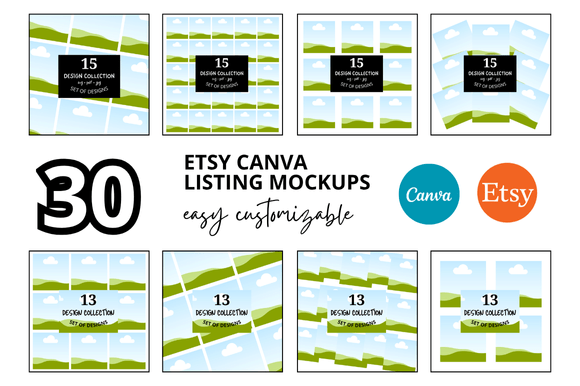
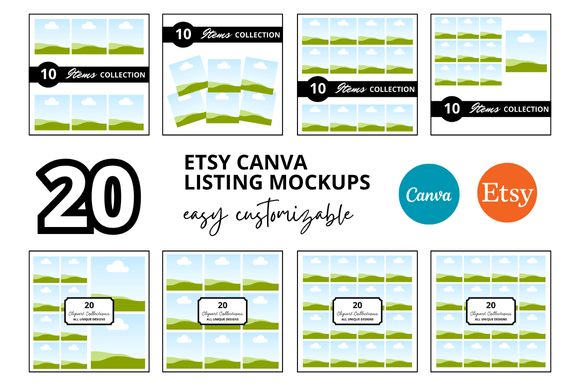
An illustrator who creates seasonal clipart bundles uses mockups to preview the entire bundle in a collage-style image. Shoppers see at a glance that they are getting multiple themes. This reduces the need to scroll through many images, and can increase average order value.
A planner enthusiast who sells digital planner stickers uses mockups that show the stickers applied on a weekly spread in a digital planner app like GoodNotes. For buyers who use digital planning, this is the most convincing image possible—it shows exactly how the stickers will look on their own screens.
A store owner who also markets on social media often repurposes the mockup images for Instagram posts and Stories. The same file that serves as a listing image can be cropped and reused. This consistency saves time and reinforces the brand.
Final Thoughts: Start with the Customer’s Eye
When you create a clipart Etsy listing, you are not just selling pixels. You are selling possibility. A mockup helps the buyer see that possibility in seconds. Whether you are a side hustler with a handful of listings or a seasoned seller with hundreds, taking the time to present your clipart in a context that matters to your customer is one of the most effective things you can do.
Look at your current best-selling listings. Are they using mockups? If not, consider testing one. Pick a mockup style that fits your niche, invest a few dollars or a couple of hours, and watch how your click-through rate and conversion behave. Many sellers find that the effort pays back quickly. And for the buyer, it means a clearer, smoother path from discovery to download—which is good for everyone.